Table of Content
- What Exactly is WordPress (And Why is it So Popular)?
- What is a Custom Web Application?
- The Real Difference People Miss
- When WordPress is Genuinely the Right Choice
- 1. Small to Medium Businesses Needing a Professional Online Presence
- 2. Content-Heavy Websites Like Blogs, News Sites, and Magazines
- 3. Startups That Need to Validate an Idea Quickly
- 4. Tight Budget Situations
- 5. Non-Technical Teams Who Will Manage the Site Themselves
- When We Tell Clients NOT to Use WordPress
- 1. You Have Complex Business Logic That Needs Custom Workflows
- 2. You Are Handling Sensitive Data at Scale
- 3. You Are Processing High Transaction Volumes or Real-Time Data
- 4. Your Application Needs Deep Third-Party Integrations
- 5. You Are Building a SaaS Product or Multi-Tenant Platform
- 6. Performance Is a Core Business Requirement
- 7. You Are a Large Organization With Multiple Departments and Complex Access Control
- The Honest Cost Comparison: WordPress vs Custom Web Application
- What the Pricing Tables Do Not Tell You
- The Security Conversation Nobody Wants to Have
- A Simple Decision Framework: WordPress or Custom App?
- Choose WordPress if ALL of these are true:
- Choose a Custom Web Application if ANY of these are true:
- Real Projects, Real Decisions: Case Studies From Our Work
- Case Study 1: CRITFGD Outdoor Licensing Platform (WordPress)
- Case Study 2: S Cubed ABA Therapy Platform (Custom Application)
- Case Study 3: IHLAQ Real-Time Booking Marketplace (Custom Application)
- Case Study 4: Veridian Urban Systems AI Platform (Custom Application)
- Case Study 5: Jake's Landscaping Website (WordPress)
- What About Headless WordPress? Is That a Middle Ground?
- How Digisoft Solution Helps With Both WordPress and Custom Web Application Development
- Our WordPress Development Services
- Our Custom Web Application Development Services
- Our Process Is the Same Regardless of Platform
- Frequently Asked Questions
- Can I start with WordPress and migrate to a custom app later?
- Is WordPress secure enough for e-commerce?
- How long does it take to build a custom web application?
- What if I already have a WordPress site and it is not performing well?
- Does WordPress affect my SEO negatively?
- Final Thoughts: The Right Tool for the Right Job
Digital Transform with Us
Please feel free to share your thoughts and we can discuss it over a cup of coffee.
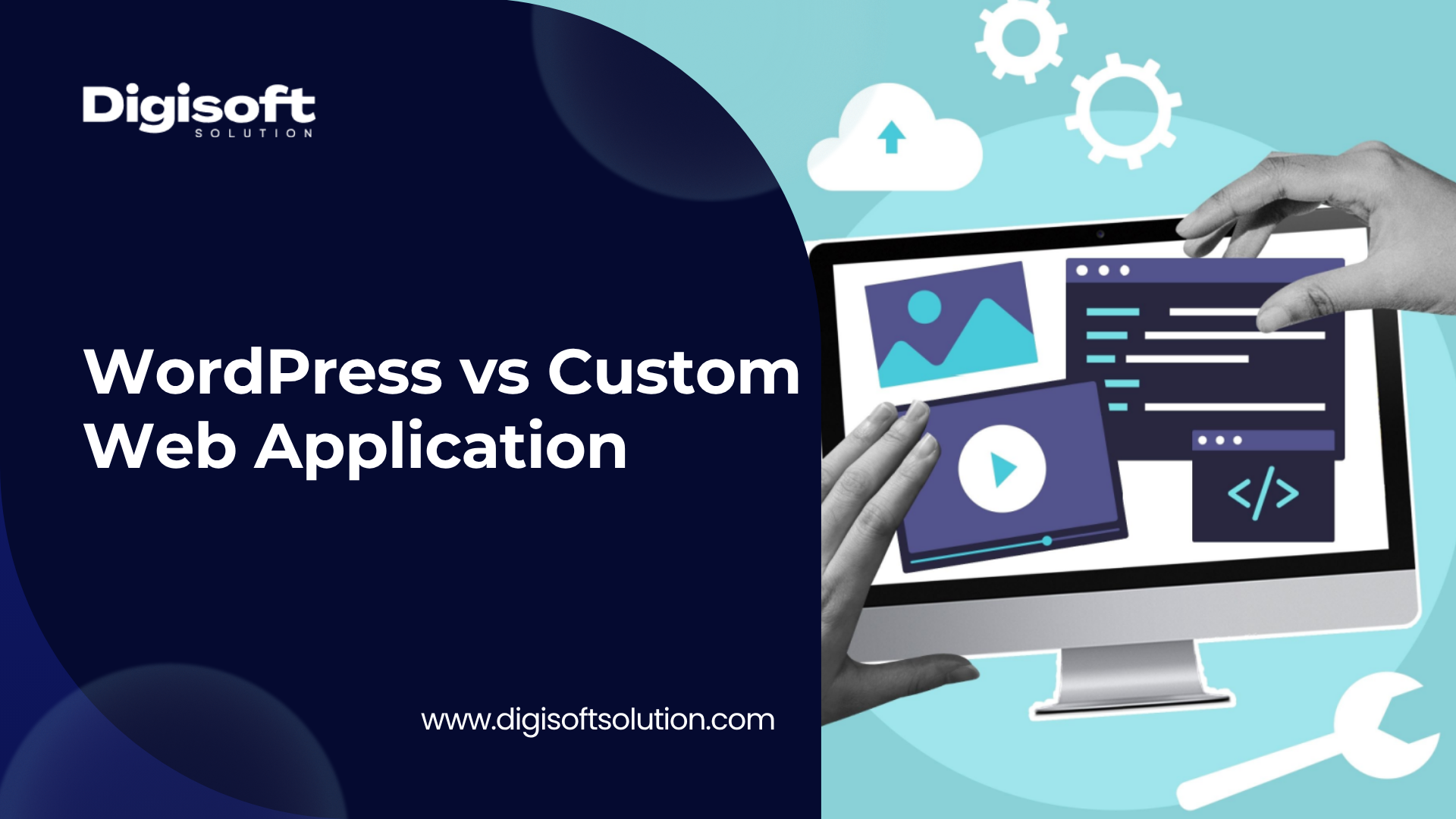
This is a question we get all the time. A business owner reaches out, budget in hand, and wants to know: should I go with WordPress or get a custom web application built? And honestly, there is no universal right answer. But there is always a right answer for your specific situation. And that is what we are going to break down in this article.
We have worked with small local businesses that were perfectly served by a well-built WordPress site, and we have worked with growing enterprises that were being held back by one. Understanding the difference is not just a technical discussion, it is a business decision that affects your budget, your growth, and your team's daily operations.
At Digisoft Solution, we have delivered 700+ projects across both platforms, and we have a pretty clear picture of where each one shines and where it struggles. Let us walk through that honestly.
What Exactly is WordPress (And Why is it So Popular)?
WordPress is a content management system, or CMS. It powers over 43% of all websites on the internet today. That is a staggering number. The reason it got so popular is simple: it lowered the barrier to entry for building a website massively.
Before WordPress, if you wanted a website you either hired a developer or learned to code. WordPress changed that. Suddenly, a business owner could install a theme, add some plugins, write some content, and have a functioning website running in days, not months.
The core strengths of WordPress are:
- Very easy for non-technical users to manage content
- Thousands of free and paid plugins that add functionality
- Large community, lots of documentation, lots of developers who know it
- Quick to launch, especially for standard business websites
- Lower upfront cost compared to building from scratch
And for a lot of businesses, that is genuinely enough. We are not here to talk you out of WordPress if it fits your needs. We use it regularly for clients and we have a dedicated team of WordPress developers who build excellent sites on it.
What is a Custom Web Application?
A custom web application is built from scratch, specifically for your business requirements. There is no pre-existing CMS underneath it. No plugins. No themes. Every feature, every database table, every user interface element is designed and coded specifically for what you need.
This is typically built using frameworks like Laravel, Node.js, React, .NET, or similar modern technologies depending on what the application needs to do.
The core strengths of a custom web application are:
- Built exactly to your business logic, no workarounds or compromises
- Scales properly because the architecture is designed for your traffic and data needs
- Better performance because there is no unnecessary plugin overhead
- Much stronger security model since there are no publicly known attack surfaces
- Full ownership and control of every part of the system
- Integrates cleanly with existing enterprise systems like CRMs, ERPs, or proprietary databases
If you want to understand the depth of what goes into building these systems, our web application development process is built around understanding your business first, then engineering a solution that fits.
The Real Difference People Miss
Most articles online will tell you WordPress is for small businesses and custom apps are for big ones. That is an oversimplification, and it can lead people to wrong decisions.
The real difference is this: WordPress is a publishing platform extended by plugins to do other things. A custom web application is a purpose-built software system. These are fundamentally different things.
When you push WordPress beyond its core purpose, you start stacking plugins. Each plugin adds code, adds potential security vulnerabilities, adds performance overhead, and adds a dependency you have to maintain. We have seen WordPress sites with 60+ active plugins that were technically functional but were a nightmare to maintain, slow to load, and had three security vulnerabilities patched in the last six months.
That does not mean WordPress is bad. It means it was being used outside its wheelhouse.
When WordPress is Genuinely the Right Choice
Let us be specific about this because too many agencies just push clients toward custom development to increase project value. That is not how we operate. WordPress is the right choice in many real situations.
1. Small to Medium Businesses Needing a Professional Online Presence
If you run a restaurant, a law firm, a dental clinic, a local service business, or a consulting practice, and your primary need is to have a professional website that presents your services, shows your team, has a contact form, and maybe a blog, WordPress is absolutely fine. It will cost less to build and maintain, and it will do the job well.
2. Content-Heavy Websites Like Blogs, News Sites, and Magazines
This is what WordPress was born to do. If your business model revolves around publishing content regularly, managing categories, handling authors, and SEO-driven traffic growth, WordPress is genuinely excellent at this. The Gutenberg editor and its ecosystem are well-suited for editorial workflows.
3. Startups That Need to Validate an Idea Quickly
Speed to market matters in early-stage businesses. If you need to prove a concept, get a landing page or basic e-commerce store live, and start gathering user feedback, WordPress with WooCommerce can get you there in weeks instead of months. Once you have validated the idea and know what you actually need, you can make an informed decision about scaling up.
4. Tight Budget Situations
A well-built WordPress website from an experienced team typically starts at a fraction of the cost of a custom application. If your budget is under $10,000 and your needs are standard, WordPress is a smart financial decision. Our web development services cover both options and we will always recommend what actually makes sense for your budget.
5. Non-Technical Teams Who Will Manage the Site Themselves
If the person who will update the website does not have technical background, WordPress gives them a familiar, relatively intuitive interface to manage content. This is a real consideration that a lot of technical people ignore.
When We Tell Clients NOT to Use WordPress
Now here is the part that most articles dance around. There are real scenarios where recommending WordPress would be doing a client a disservice. We have seen businesses burn significant money trying to make WordPress do something it was not designed for.
1. You Have Complex Business Logic That Needs Custom Workflows
If your business has multi-step processes, custom approval chains, complex pricing rules, or role-based workflows that are unique to how you operate, you will end up building these in WordPress as custom plugins or with heavy configuration of existing ones. At some point you are basically writing a custom application anyway, but with WordPress's limitations and overhead still attached. Skip the middle step and build it right from the start.
2. You Are Handling Sensitive Data at Scale
Healthcare platforms, financial systems, legal document management, enterprise HR tools. If your application handles sensitive user data and needs to comply with regulations like HIPAA, GDPR, or financial compliance frameworks, WordPress is a poor foundation. The security surface is too large, the plugin dependency chain is too risky, and your compliance team will not be happy. Build something auditable from the ground up.
We built S Cubed, a HIPAA-compliant ABA therapy platform, as a full custom application precisely for this reason. The compliance requirements, real-time care tracking, and multi-clinic data management would have been impossible to implement reliably on a plugin-based CMS. You can see the full case study on our case studies page.
3. You Are Processing High Transaction Volumes or Real-Time Data
WordPress at its core is a request-response PHP application backed by MySQL. It was not designed for real-time data streams, high-frequency transactions, or complex concurrent operations. If your application needs websockets, real-time notifications, live booking conflict resolution, or high-volume order processing, you will hit WordPress's architectural limits.
A good example from our own work: we built IHLAQ, a real-time barber booking marketplace in Qatar. At peak it handles 5,000+ bookings per day with conflict-free scheduling across multiple locations, home visits, and Arabic RTL support. That level of real-time coordination simply cannot run reliably on WordPress. It needed a purpose-built custom architecture.
4. Your Application Needs Deep Third-Party Integrations
Connecting a WordPress site to a simple CRM or email marketing tool is fine. But if you need to deeply integrate with enterprise systems, custom APIs, financial data providers, government verification systems, or real-time inventory databases, WordPress plugins will only take you so far. And then you are back to custom development anyway, but with WordPress's limitations now part of the equation.
5. You Are Building a SaaS Product or Multi-Tenant Platform
If you are building a product where multiple businesses or organizations each have their own isolated data, permissions, and configurations, WordPress is not the right foundation. Multi-tenancy requires careful architectural decisions at the database and application layer that WordPress's design does not naturally support.
6. Performance Is a Core Business Requirement
Every plugin in WordPress adds overhead. Even a well-optimized WordPress site is working around the CMS's architecture to deliver performance. If your application has strict performance requirements, whether for user experience, financial transactions, or high-traffic media delivery, a custom-built application with purpose-designed caching, database queries, and server architecture will outperform WordPress every time.
7. You Are a Large Organization With Multiple Departments and Complex Access Control
Enterprise organizations often need granular role-based access control that goes beyond what WordPress's user system supports natively. When you need a department head to see one set of data, a regional manager to see a subset, a compliance officer to see audit logs, and a field technician to see only their assigned tasks, that is enterprise software territory. Build it as enterprise software.
The Honest Cost Comparison: WordPress vs Custom Web Application
A lot of articles throw out cost ranges without context. Let us be more specific and honest about what you are actually getting into financially.
The table below reflects realistic market rates in 2025 based on our experience working on projects across North America, Europe, and the Middle East. These are not worst-case or best-case numbers, they are the ranges we actually see.
|
Factor |
WordPress (Basic) |
WordPress (Advanced) |
Custom App (Mid) |
Custom App (Enterprise) |
|
Initial Development |
$500 - $3,000 |
$1,500 - $15,000 |
$5,000 - $20,000 |
$20,000 - $200,000+ |
|
Hosting (per year) |
$100 - $300 |
$500 - $2,000 |
$1,200 - $6,000 |
$5,000 - $30,000+ |
|
Plugin/License Costs |
$200 - $800/yr |
$800 - $5,000/yr |
None (built-in) |
None (built-in) |
|
Maintenance per year |
$500 - $1,000 |
$500 - $1,500 |
$1,000 - $5,000 |
$10,000 - $50,000+ |
|
Security Patches |
Frequent (plugin deps) |
Frequent + manual fixes |
Controlled by you |
Fully custom + audited |
|
Scalability Cost |
High (plugin stacking) |
Very high (hits limits) |
Moderate (planned) |
Low (built to scale) |
|
Time to Launch |
2 - 6 weeks |
4 - 12 weeks |
3 - 5 months |
5 - 12+ months |
What the Pricing Tables Do Not Tell You
Here is the honest part that many vendors skip. WordPress's low upfront cost can mask higher long-term costs. Here is why:
- Premium plugins often have annual renewal fees of $50 to $300 each. With 15 to 20 plugins, that is $1,000 to $5,000 per year just in licenses.
- WordPress security incidents are common because the platform is a well-known target. Recovery from a compromised WordPress site can cost $1,000 to $10,000+ depending on severity.
- As your needs grow, you keep adding plugins. Performance degrades. You spend money on premium hosting, CDNs, and caching layers to compensate. This cost stacks up.
- Developer time to maintain a plugin-heavy WordPress installation is not trivial. Compatibility issues between plugins on major WordPress updates are a real ongoing cost.
Custom applications have higher upfront costs but more predictable long-term costs. You own the code, you control the dependencies, and there are no annual license fees for features that are core to your business.
If you want a realistic estimate for your specific project, we offer free consultations and cost estimations through our contact page.
The Security Conversation Nobody Wants to Have
WordPress sites account for a disproportionate share of hacked websites globally. This is not because WordPress is inherently bad software. It is because of the plugin ecosystem.
When you install a plugin, you are trusting that plugin's developer to write secure code, update it regularly, and respond quickly to discovered vulnerabilities. You are also trusting that the plugin will remain maintained over time. Abandoned plugins are one of the most common attack vectors we see.
A custom web application has a much smaller and more controlled attack surface. Your security posture is determined by your development team's practices, not by a chain of third-party plugin authors you have never interacted with.
For businesses in healthcare, finance, legal, or any sector that handles personally identifiable information, this distinction is not academic. It has real compliance and liability implications.
A Simple Decision Framework: WordPress or Custom App?
After working through hundreds of projects, here is the decision framework we use when a new client comes to us:
Choose WordPress if ALL of these are true:
- Your primary need is a content/marketing website or a standard online store
- Your budget is under $15,000 for initial development
- You do not have complex custom business logic or workflows
- Your team is non-technical and needs to manage content themselves
- You are comfortable with third-party plugin dependencies
- You need to launch within 4 to 8 weeks
Choose a Custom Web Application if ANY of these are true:
- You have complex business logic that does not fit standard CMS patterns
- You handle sensitive data and have compliance requirements
- You need deep integration with enterprise systems or custom APIs
- You are building a product (SaaS, marketplace, platform) not just a website
- You expect more than 10,000 users or significant concurrent usage
- Performance is a core requirement of your product
- You need custom real-time features, notifications, or data processing
- You are a growing enterprise where maintaining WordPress's limitations has become a bottleneck
Real Projects, Real Decisions: Case Studies From Our Work
We do not just give advice in theory. Here are examples from our actual client work that show how these decisions play out in practice.
Case Study 1: CRITFGD Outdoor Licensing Platform (WordPress)
CRITFGD needed a platform to handle outdoor licensing with integrated payment processing and identity verification. This was a content and transaction site with relatively standard workflow requirements. We built it on WordPress. It gave them the content management flexibility they needed, integrated well with the payment and verification APIs, and launched on time. This is a good example of WordPress being genuinely the right tool.
Case Study 2: S Cubed ABA Therapy Platform (Custom Application)
S Cubed needed a HIPAA-compliant platform for ABA therapy practice management. This included real-time care tracking, multi-clinic data management, and collaboration tools between therapists and families. There was no realistic path to building this on WordPress in a compliant, maintainable way. We built a full custom application. The result was a secure, auditable system that the clinical teams actually trust with sensitive patient data.
Case Study 3: IHLAQ Real-Time Booking Marketplace (Custom Application)
A Qatar-based grooming marketplace needed to handle 5,000+ peak daily bookings with home and salon service options, conflict-free scheduling, and bilingual Arabic RTL support. The real-time nature of the booking system, the scale of concurrent users, and the localization requirements all pointed clearly toward a custom solution. WordPress would have buckled under the real-time scheduling demands alone.
Case Study 4: Veridian Urban Systems AI Platform (Custom Application)
Veridian needed an AI-driven urban intelligence platform with custom dashboards, KPI tracking, and data integration across multiple city data sources. This is pure enterprise software territory. The AI integration, custom data pipeline, and analytics requirements could not be built on a CMS. We delivered a custom platform that now helps city planners make faster, more accurate decisions.
Case Study 5: Jake's Landscaping Website (WordPress)
A local landscaping business needed a professional website to showcase their services, display their portfolio, and allow customers to request quotes. Classic WordPress use case. Clean design, fast launch, easy for the team to update. No reason at all to build something custom here.
What About Headless WordPress? Is That a Middle Ground?
We get asked about this increasingly. Headless WordPress means using WordPress only as a backend content repository, with a separate custom frontend built in React or Next.js consuming the WordPress REST API.
This is a legitimate architecture and we have used it. It gives you the editorial interface of WordPress combined with the performance and flexibility of a modern JavaScript frontend. But it is worth being honest about a few things:
- It adds architectural complexity. You now have two systems to maintain instead of one.
- It does not solve the plugin dependency problem on the backend.
- It is more expensive than standard WordPress development.
- For the cases where you actually need this, a fully custom solution is often not much more expensive and is cleaner long-term.
We recommend headless WordPress in specific situations where a client already has significant content in WordPress and needs a performance upgrade without migrating content. Outside of that, it is often a middle ground that gets the complexity of both approaches without fully getting the benefits of either.
How Digisoft Solution Helps With Both WordPress and Custom Web Application Development
We are not a WordPress-only agency, and we are not trying to push every client toward expensive custom development. We are a software development company that has been doing this for 12 years, and our job is to recommend and build what actually works for your situation.
Our WordPress Development Services
We have a dedicated team of experienced WordPress developers who build professional, high-performance WordPress sites. That includes custom theme development, plugin development and customization, WooCommerce stores, and ongoing maintenance. If WordPress is the right fit for your project, we will build it properly, not just install a theme and hand it over.
Our WooCommerce developers specialize in e-commerce builds that are optimized for conversion, performance, and maintainability. We also support Shopify development for clients where that platform makes more sense.
Our Custom Web Application Development Services
For clients who need more, we offer end-to-end custom software development including backend architecture, database design, API development, frontend engineering, and deployment. We work with modern stacks including Laravel, Node.js, React, .NET, and cloud-native architectures.
Our enterprise software development practice is specifically built for organizations that have outgrown off-the-shelf tools. We design systems that integrate with your existing infrastructure, handle your data requirements, and grow with your business.
For teams that need to augment their existing development capacity, we also offer dedicated developer hiring so you can bring in specific expertise without the overhead of full-time hiring.
Our Process Is the Same Regardless of Platform
We start every engagement with a proper discovery phase. We ask questions about your business, your users, your data, your growth plans, and your technical team's capabilities. Only after that do we make a recommendation on what to build and how to build it. We have walked away from projects where the wrong platform was being pushed because we would rather give honest advice than take money for work that will not serve the client well.
You can read more about our approach on our about us page or browse our full case study library to see how we have approached different types of projects.
Frequently Asked Questions
Can I start with WordPress and migrate to a custom app later?
Yes, and this is a reasonable strategy for some businesses. Build something on WordPress to validate your idea, gather user feedback, and understand what you actually need. Then migrate when you have the budget and clarity. The content and data can usually be migrated, though the process requires planning. Just be aware that rebuilding has a cost, so factor that into your roadmap.
Is WordPress secure enough for e-commerce?
For small to mid-size WooCommerce stores with reasonable transaction volumes and standard payment gateway integrations, WordPress with proper security practices is adequate. For high-volume stores, B2B commerce with complex pricing, or platforms handling sensitive financial data beyond standard card payments, a custom solution gives you more control and a cleaner security posture.
How long does it take to build a custom web application?
Realistically, a properly scoped custom web application takes between three and twelve months depending on complexity. Rushed timelines lead to technical debt that you will be paying off for years. We prefer to set realistic timelines and deliver something solid rather than cut corners to meet an arbitrary deadline.
What if I already have a WordPress site and it is not performing well?
This is very common. The first question we ask is whether the performance problem is a platform problem or an implementation problem. Sometimes a poorly built WordPress site can be significantly improved without rebuilding. Sometimes it cannot. We offer web development consultations where we can assess your current setup and give you an honest recommendation.
Does WordPress affect my SEO negatively?
Not inherently, no. WordPress with proper configuration, a solid hosting setup, and a well-structured theme performs fine for SEO. The issues arise when too many plugins slow the site down, when themes are bloated, or when content structure is poor. A fast, well-structured WordPress site can rank just as well as a custom-built one for content and marketing pages.
Final Thoughts: The Right Tool for the Right Job
The WordPress vs custom web application debate is really a question of fit. Not a question of which technology is better in some abstract sense.
WordPress is a powerful, mature platform that serves millions of businesses well. For content sites, marketing websites, standard e-commerce, and businesses with non-technical teams, it is a genuinely smart choice. We build excellent WordPress sites and we are not going to pretend otherwise.
Custom web applications are what you need when your business has outgrown what a CMS can realistically handle. When you have complex logic, sensitive data, enterprise integrations, or real-time requirements, you need software built for your specific problem. Trying to bend WordPress into that shape costs more in the long run than building it right from the start.
The businesses that struggle most are the ones who chose based on upfront cost alone, or chose based on what they had heard without properly evaluating their actual requirements. Take the time to define what you need, be honest about where your business is heading, and choose accordingly.
If you are not sure which direction makes sense for your situation, that is exactly the kind of conversation we have every day. Reach out to our team through the Digisoft Solution contact page and we will give you a straight answer, not a sales pitch.
Digital Transform with Us
Please feel free to share your thoughts and we can discuss it over a cup of coffee.