Table of Content
- 1. GitHub Copilot (AI Code Assistant)
- 2. OpenAI Codex / ChatGPT (General AI Assistant)
- 3. Tabnine (Contextual AI Completion)
- 4. Amazon CodeWhisperer (AWS AI Partner)
- 5. Cursor (AI-Native Code Editor)
- 6. testRigor (AI Test Automation)
- 7. Applitools (Visual AI Testing)
- 8. Snyk (AI Security & SAST)
- 9. Atlassian Intelligence (Jira AI) (Intelligent PM)
- 10. Otter.ai (AI Meeting Assistant)
- Integrating these tools is the easy part. Getting value from them takes expertise.
- Choosing Leading AI Dev Company, 2026
Digital Transform with Us
Please feel free to share your thoughts and we can discuss it over a cup of coffee.
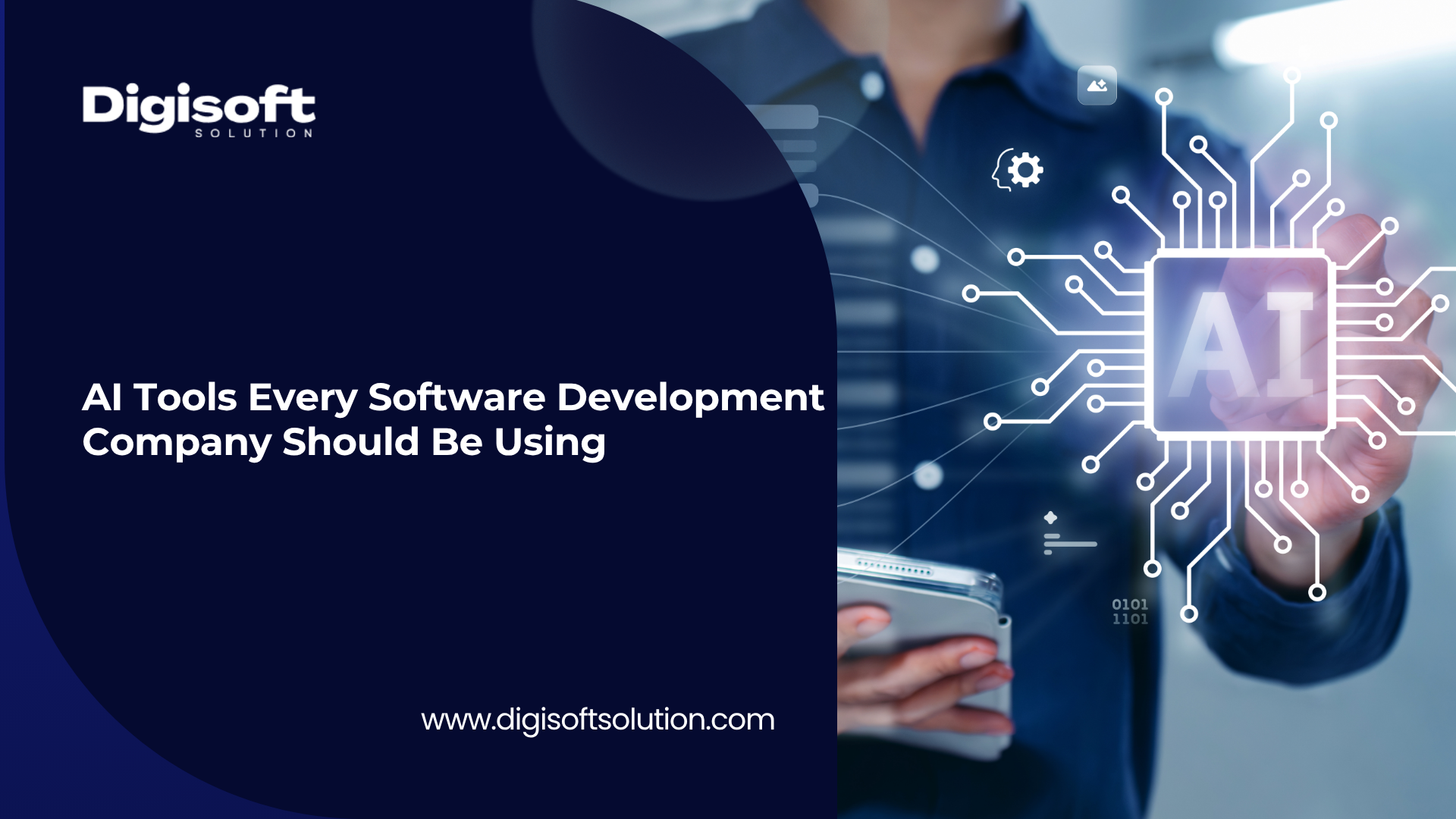
In 2026, AI-driven development tools are essential for modern software teams. From AI pair programmers to smart testing and project management assistants, the right mix of tools can speed up delivery, improve quality, and reduce costs. Below we list the top 10 AI tools that forward-looking software companies should integrate into their workflows, along with how each tool helps solve real developer problems (with citations to the latest industry sources).
1. GitHub Copilot (AI Code Assistant)
GitHub Copilot is the original AI pair-programmer, suggesting code in real-time as you type, using a model trained on billions of lines of public code. It can auto-complete whole functions from comments, generate boilerplate across languages, and speed up repetitive coding tasks.
Copilot offers deep GitHub integration. Its “Agent” mode can be assigned an issue and autonomously create a branch, write code, run tests, and open a pull request without leaving GitHub. This means teams already on GitHub can automate end-to-end tasks like feature creation and code reviews.
Who needs it: Any development team writing code daily. Copilot accelerates prototyping and routine code, freeing developers to focus on complex problems.
2. OpenAI Codex / ChatGPT (General AI Assistant)
OpenAI Codex and ChatGPT (GPT-4/GPT-5) provide a versatile AI assistant for coding, Q&A, and documentation. Engineers use it to generate code snippets, explain or debug existing code, write technical docs, and answer “StackOverflow-style” questions. ChatGPT’s multi-turn chat lets developers refine prompts and get iterative help.
It supports many languages and tasks. For example, you can ask ChatGPT to write a function in Python, then refine it in conversation. While not an IDE plugin, it’s invaluable for brainstorming, learning new APIs, or filling in tricky logic, complementing IDE-focused tools.
Who needs it: Any team needing an on-demand AI expert. ChatGPT excels at quick prototyping, reviewing pull requests, or generating unit tests, helping developers solve problems faster.
3. Tabnine (Contextual AI Completion)
Tabnine is an AI code completion engine that learns from your team’s specific codebase and conventions. It gives context-aware suggestions, so over time it adapts to your naming styles and patterns, keeping the codebase consistent.
It runs in the IDE (VS Code, JetBrains, etc.) and even offers on-premise or air-gapped deployment. Its enterprise-grade privacy features mean your code is never sent out or retained – perfect for highly regulated projects. Over time Tabnine’s “Context Engine” enhances suggestion relevance based on your history.
Who needs it: Teams that value code consistency and data privacy. Tabnine boosts productivity like Copilot but with greater control and customization for each project.
4. Amazon CodeWhisperer (AWS AI Partner)
Amazon CodeWhisperer is AWS’s AI coding companion, built for developers on the Amazon cloud. It provides real-time code suggestions in your IDE with deep knowledge of AWS APIs and best practices.
In addition to autocompletion, CodeWhisperer can automatically scan your code for security vulnerabilities and flag potential issues as you code. It also tracks open-source licenses and AWS service usage, helping teams stay secure and compliant.
Who needs it: Teams building on AWS. CodeWhisperer shines when your project heavily uses AWS services (Lambda, DynamoDB, S3, etc.), as it understands cloud-specific context.
5. Cursor (AI-Native Code Editor)
Cursor is an AI-first code editor that truly understands your entire project. Unlike a plugin, it builds a full repository semantic index so suggestions and refactoring commands work across files.
You can give Cursor natural-language instructions (e.g., “find and update all database client initializations to use pooling”) and it will modify multiple files accordingly. It also has integrated AI debugging help. This makes Cursor ideal for large, legacy codebases or rapid prototyping.
Who needs it: Teams that want a cutting-edge IDE. Cursor is best for engineers tackling complex codebases or wanting to experiment with AI-driven editing workflows.
6. testRigor (AI Test Automation)
testRigor uses generative AI to automate end-to-end testing based on plain English requirements. Instead of writing Selenium or Appium scripts, you simply write scenarios like “When I search for X, the results page shows relevant items,” and testRigor generates and runs the UI test for web, mobile, or desktop.
Its AI automatically adapts tests when the UI changes (self-healing tests), reducing the maintenance burden. This lets QA teams cover more scenarios without a huge automation codebase. For developers, it means faster shipping with fewer manual test bottlenecks.
Who needs it: Teams that want broad test coverage without large QA teams. testRigor is valuable for continuous delivery shops wanting fast, AI-driven test suites.
7. Applitools (Visual AI Testing)
Applitools provides AI-powered visual regression testing. It automatically compares screenshots of your app or website across browsers and devices to catch any visual bugs or layout shifts that code tests miss.
By analyzing images, it detects even subtle differences (e.g. CSS errors, overlapping elements) that would normally require human QA. This saves enormous time on UI testing. You write your functional tests as usual, but Applitools handles the “is the page rendering correctly?” checks.
Who needs it: Teams with user-facing UIs who need pixel-perfect quality. Applitools is used in web and mobile app pipelines to ensure UI consistency across versions and platforms.
8. Snyk (AI Security & SAST)
Snyk is a developer-first security platform using AI to detect vulnerabilities in code, open-source dependencies, containers, and infrastructure-as-code.
It integrates into IDEs and CI/CD, continuously scanning for risks. Snyk’s AI not only finds issues but suggests exact fix patches. By “shifting security left,” teams can catch and remediate problems early in development.
Who needs it: Any dev team that must meet security standards. Snyk is popular in DevOps pipelines to automatically prevent insecure code and keep projects compliant.
9. Atlassian Intelligence (Jira AI) (Intelligent PM)
Atlassian Intelligence brings AI to Jira and Confluence for smarter project management. It can automatically summarize ticket discussions, generate sub-tasks from parent issues, predict sprint timelines, and suggest automation rules based on patterns.
For example, it might read the current backlog and estimate completion dates or flag likely blockers. This reduces manual backlog grooming and helps managers spot risks earlier.
Who needs it: Teams already on Atlassian tools. Jira AI (part of Atlassian Intelligence) augments existing workflows, making planning and ticket handling more efficient.
10. Otter.ai (AI Meeting Assistant)
Otter.ai is an AI-powered meeting assistant that transcribes and summarizes conversations in real time. It records standups, planning meetings, or retrospectives, creating searchable transcripts and highlight summaries.
It also extracts action items and key points, allowing developers to focus on discussions rather than note-taking. All meeting content is archived and text-searchable, so nothing is forgotten and onboarding new team members is easier.
Who needs it: Teams that rely on frequent meetings. Otter.ai ensures important decisions and tasks aren’t lost in chatter, improving knowledge transfer and accountability.
Integrating these tools is the easy part. Getting value from them takes expertise.
Knowing which tools exist and knowing how to embed them into a real engineering workflow are very different things. At Digisoft Solution, AI is not a feature we add to projects; it's built into how we work. We help teams select, configure, and integrate the right mix of tools for their specific stack, team size, and delivery cadence.
Whether you need a partner to build an AI-augmented product from scratch, modernise a legacy codebase, or structure a development process that scales, our team brings the engineering depth and the AI literacy to get it right.
Explore our full range of software development services, from custom web and mobile applications to cloud infrastructure and QA automation, or get in touch to discuss your next project.
Choosing Leading AI Dev Company, 2026
Every tool on this list has found its way into a Digisoft project, not as an experiment, but as a deliberate choice that delivered faster delivery, fewer bugs, and better outcomes for our clients.
- AI & ML Expertise: Digisoft Solution offers end-to-end AI and machine learning solutions as a core service, meaning they know how to integrate AI tools into your projects from the ground up.
- Trusted Partner: In 2026, Digisoft is recognized as “one of the most trusted web application development companies”. Their team combines strategic product thinking with hands-on engineering to solve real business problems, not just build flashy demos.
- Proven Excellence: Ranked on Clutch’s leader matrix among India’s top software developers, Digisoft delivers enterprise-grade, scalable software. Their focus on rigorous discovery and testing ensures projects meet requirements on time and budget.
- Your AI Partner: By partnering with Digisoft Solution, you get experts who leverage these cutting-edge AI tools (and more) to deliver quality software faster. Digisoft’s AI-driven approach and end-to-end support can give your next project a competitive edge.
For businesses ready to embrace AI, Digisoft Solution provides the people, process, and technology to succeed. Contact Digisoft today to start your AI-powered software development journey.
Sources: Authoritative industry articles and product documentation have been used to compile and verify the information above. Each tool description is backed by expert analysis or official documentation as cited.
Digital Transform with Us
Please feel free to share your thoughts and we can discuss it over a cup of coffee.