Web App Development Cost Calculator
Get an instant, market-rate web application development cost estimate. Answer a few questions about your frontend, features, and delivery route, and get a number to check vendor quotes against before you commit to anything.
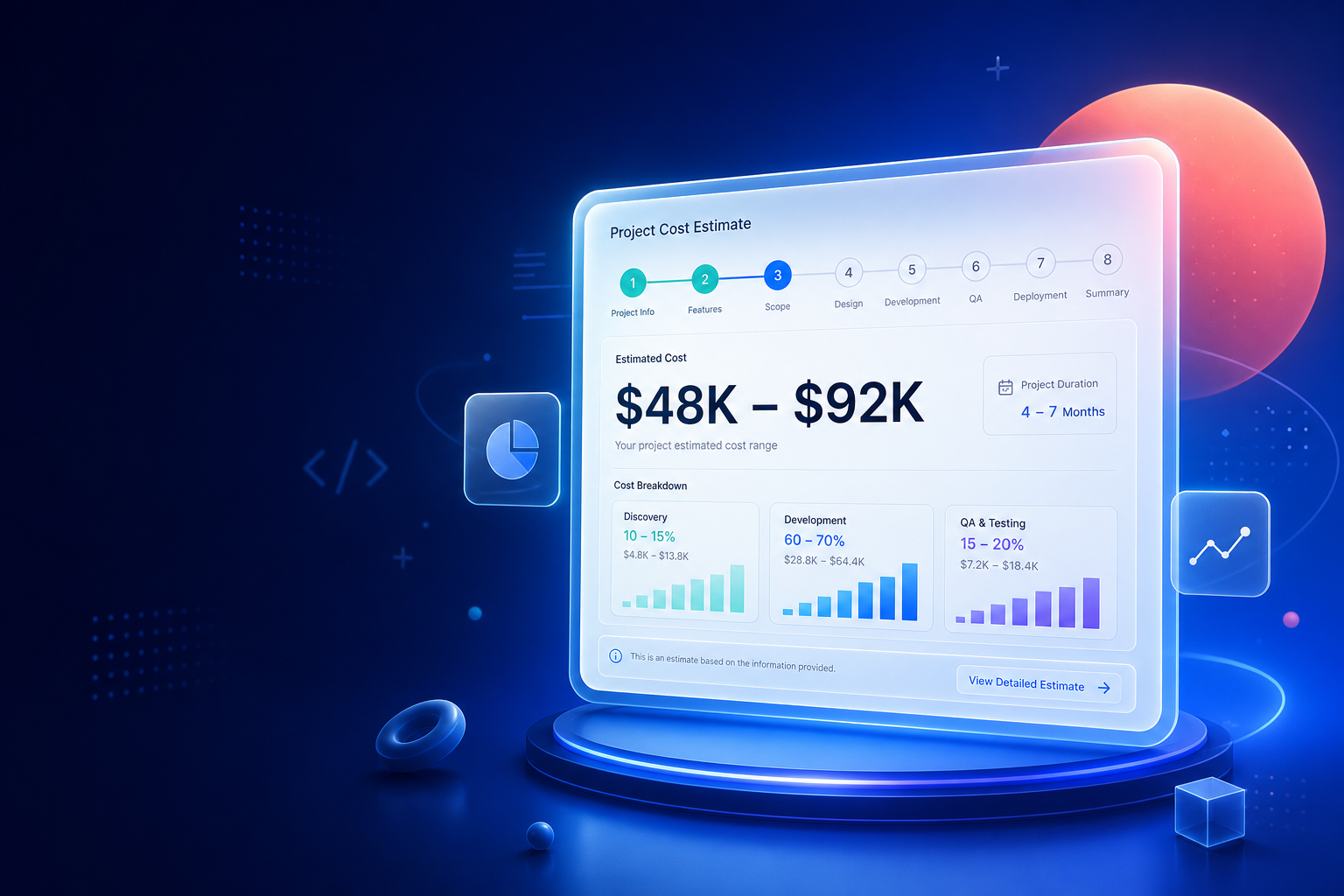








Get Your Web Application Development Cost Estimate
Answer the questions below about category, architecture, pages, and features. If you're unsure about backend, SEO, or accessibility needs this early, most steps include a "not sure" option so you can keep moving and refine the estimate later.
Explore More Tools
Affects
What Affects Your Web App Development Cost
Web application development cost depends on a different set of decisions than a mobile app. There's no iOS-versus-Android question, but there is a frontend architecture choice, an SEO requirement or lack of one, a user roles and permissions structure, and a delivery route (fully custom code, headless CMS, no-code platform, or an existing CMS like WordPress) that can each swing the price by a wide margin for what looks like the same project on paper.
This calculator asks about the factors that actually move a web app budget and returns a market-rate development cost estimate for a project shaped like yours, whether that's a SaaS platform, an e-commerce site, an internal tool, or a content-driven website. It won't replace a full proposal, but it gives you a number to sanity-check against before you start comparing vendor quotes.
WHAT AFFECTS PRICING
What Drives Web Application Development Cost?
Category
A fintech or multi-vendor marketplace platform carries more inherent complexity and security requirements than a marketing site or content hub, even with the same page count and feature list.
Frontend architecture
A static site is the cheapest to build. A Single Page Application or a server-rendered hybrid setup (e.g. Next.js) costs more to set up but supports more interactivity and, in the hybrid case, better SEO.
SEO requirements
A public-facing site that needs to rank in search engines usually needs server-rendered or static pages, structured data, and performance work, which a purely internal tool doesn't need at all.
User roles and permissions
A single user type is the simplest case. A complex multi-role permission system (admin, manager, end user, each with different access) adds meaningful backend and testing work.
Backend and CMS
An app that only calls existing APIs costs less than one that needs a custom backend built from scratch, and a full admin dashboard with analytics is its own substantial build, frequently underestimated in early conversations.
Accessibility
WCAG 2.1 AA compliance adds auditing, ARIA labeling, and keyboard navigation testing on top of the base build, and is often a legal requirement for government, healthcare, and education projects.
DELIVERY ROUTE
Custom Code vs. Headless CMS vs. No-Code: How Delivery Route Changes Cost
Fully custom-coded web applications cost the most upfront but carry no ceiling on what you can build as requirements grow. A headless CMS paired with a custom frontend sits in the middle, giving content teams an easy editing experience while keeping the frontend flexible. No-code and low-code platforms are the cheapest and fastest route for simpler projects, but tend to hit a wall once requirements outgrow what the platform supports, at which point migrating off it can cost more than building custom would have from the start.
FAQs
Frequently Asked Questions
Web application development cost depends on its category, how many pages or views it has, which frontend architecture you choose, user roles and permissions, authentication, and whether it needs a custom backend or CMS. Use the calculator above to get a market-rate range based on your specific project.
Yes. A public-facing site that needs to rank in search engines usually needs server-rendered or static pages, structured data, and performance optimization, which adds work beyond a purely internal tool or a single-page application built without SEO in mind.
No-code and low-code platforms are typically the cheapest and fastest route, at the expense of flexibility and long-term scalability. Fully custom-coded web applications cost more upfront, but avoid the ceiling that no-code platforms hit once requirements grow beyond what the platform supports.
WCAG 2.1 AA compliance adds auditing, ARIA labeling, keyboard navigation support, and dedicated accessibility testing on top of the base build. It's a common requirement for government, healthcare, and education sites, and is often required by law for public sector projects.
Most web applications that involve managing content, listings, or users need an admin panel or CMS, even if the public-facing site looks simple. It's frequently a large share of total development time and is easy to underestimate in early conversations.
Ready for a project-specific web app proposal?
Share your requirements with our team and get a tailored estimate aligned to your scope, timeline, and delivery approach.

