Table of Content
- What Are FlutterFlow and Flutter, Actually?
- What is Flutter?
- What is FlutterFlow?
- FlutterFlow Pricing Plans: Full 2026 Breakdown
- FlutterFlow Plan Comparison Table
- What Each Plan Actually Unlocks (Feature-Level View)
- Free Plan
- Basic Plan
- Growth Plan
- Business Plan
- Enterprise Plan
- Where the Pricing Holds Up Well
- Where the Pricing Starts to Strain
- The Honest Technical Verdict
- Flutter's Real Cost: Why 'Free' Doesn't Mean Free
- What You're Actually Paying For With Flutter
- Why This Often Beats a Subscription Model at Scale
- FlutterFlow vs Flutter: Side-by-Side Feature Comparison
- Which One Should You Actually Choose?
- Choose FlutterFlow if:
- Choose Flutter (hand-coded) if:
- A Practical Middle Path
- How Digisoft Solution Helps With Flutter App Development
- Related Questions People Are Asking (Topic Coverage for Search)
- Frequently Asked Questions
- Is FlutterFlow cheaper than hiring a Flutter developer?
- Is Flutter free to use commercially?
- Can I use FlutterFlow and Flutter together?
- Does FlutterFlow charge separately for each team member?
- Which is better for a startup MVP, FlutterFlow or Flutter?
- Does Digisoft Solution work with apps originally built in FlutterFlow?
- Final Thoughts
Digital Transform with Us
Please feel free to share your thoughts and we can discuss it over a cup of coffee.
If you're trying to decide between FlutterFlow and Flutter for your next app, you've probably already read three or four other articles that just copy-paste FlutterFlow's pricing page and call it a day. This one's different. We're not just listing the numbers, we're telling you whether those numbers are actually worth paying, what they really cost once you add up the hidden pieces, and which option makes technical and financial sense for your specific situation.
This guide breaks down both options feature by feature, plan by plan, so you can make a decision based on facts, not marketing pages.
What Are FlutterFlow and Flutter, Actually?
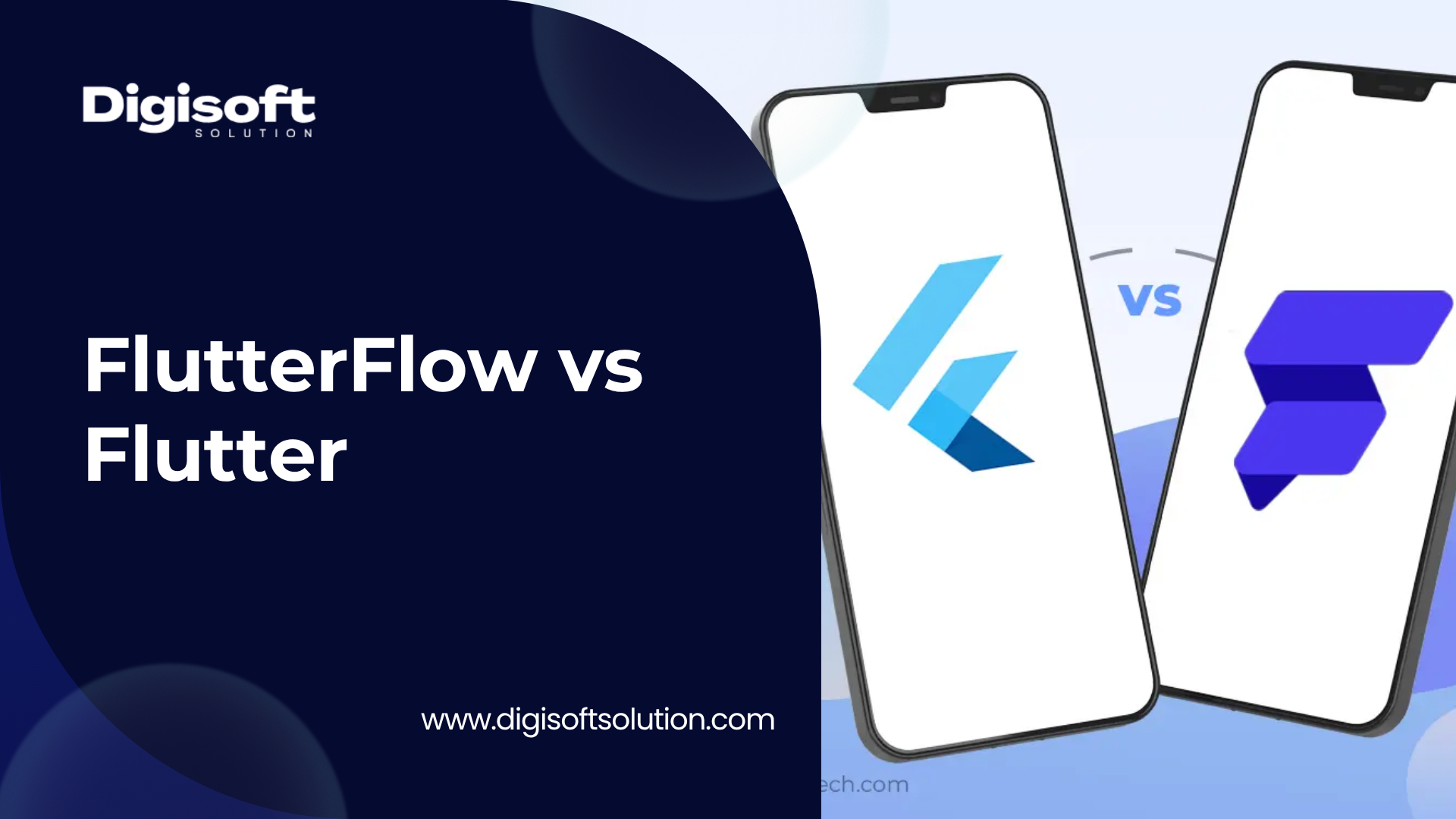
Before comparing prices, it's worth clearing up a confusion we see a lot: FlutterFlow and Flutter are not two versions of the same product. They're two different layers of the same ecosystem, and mixing them up is the number one reason businesses pick the wrong option.
What is Flutter?
Flutter is an open-source UI framework built by Google. Developers write code in Dart and Flutter compiles it into a real, native app for iOS, Android, web, and desktop, all from a single codebase. There is no drag-and-drop here, this is full hand-written software development, the same as building with Swift, Kotlin, or React Native, just with one codebase covering multiple platforms instead of separate ones for each.
Flutter itself has no price tag attached. It's licensed under the BSD 3-Clause license, which means Google gives it away for free, for commercial use too, with no royalty or subscription required.
What is FlutterFlow?
FlutterFlow is a separate company's product (not made by Google) that sits on top of Flutter. It's a visual, low-code builder, you drag widgets, connect logic visually, and FlutterFlow generates real Flutter/Dart code underneath. On paid plans, you can export that code and keep building with it manually if you want.
So in plain terms: Flutter is the engine, FlutterFlow is one of several dashboards you can use to drive that engine faster. That distinction matters a lot once we get into pricing, because you're not really choosing between 'free' and 'paid', you're choosing between paying a subscription for convenience, or paying a developer for full control.
FlutterFlow Pricing Plans: Full 2026 Breakdown
FlutterFlow updated its pricing and plan structure in August 2025, and the new tiers are still in effect as of mid-2026. Here is the current plan structure, in detail, before we get to whether it's actually good value.
FlutterFlow Plan Comparison Table
|
Plan |
Who it's for |
Core features included |
|
Free |
Learning & testing only |
Visual builder, Firebase/Supabase connection, up to 2 projects, web preview, no code export, no app store publishing |
|
Basic |
Solo freelancers, single-developer MVPs |
Code export, APK download, custom domain, local device testing, one-click app store + web publishing, FlutterFlow branding removed |
|
Growth |
Small teams that need to collaborate |
Everything in Basic, plus GitHub integration, real-time multi-user collaboration, branching, localization tools, higher AI generation limits |
|
Business |
Agencies and growing product teams |
Everything in Growth, plus more collaboration seats, expanded branching limits, automated testing, advanced workflow controls |
|
Enterprise |
Large organizations |
Custom pricing, dedicated infrastructure, advanced security and compliance controls, priority support |
A note on the numbers: FlutterFlow's per-seat pricing on Growth and Business is where most people get caught off guard. Growth starts with one seat included, and every additional team member is billed separately. The same applies to Business. If you're a one-person team, this barely matters. If you're a team of three or four, it adds up fast, and we'll do that math in the next section.
What Each Plan Actually Unlocks (Feature-Level View)
Free Plan
- Drag-and-drop visual builder access
- Firebase and Supabase backend connection
- Up to 2 active projects
- Browser-based preview on web and mobile
- No code export, no publishing to app stores, FlutterFlow branding stays visible
Basic Plan
- Full Dart/Flutter source code download
- APK download for direct Android testing
- Custom domain support for web apps
- One-click publishing to Apple App Store and Google Play
- Local device testing
Growth Plan
- GitHub version control integration
- Real-time collaboration with teammates on the same project
- Branching, so multiple people can work on separate features safely
- Localization and multi-language support tools
- A noticeably higher monthly AI generation request limit than Basic
Business Plan
- Higher seat limits with room for bigger teams
- Automated testing tools
- Expanded branching and workflow management for parallel development
- Priority access to new features
Enterprise Plan
- Custom-negotiated pricing
- Dedicated infrastructure and uptime guarantees
- Advanced compliance, security review, and audit support
- Priority support with dedicated account management
Is FlutterFlow's Pricing Actually Good Value? A Technical Look
This is the part most comparison articles skip. They'll tell you the plan names and the features list, then move on. But the real question founders and CTOs are asking is simpler: for what I'm building, am I getting a fair deal, or am I paying for convenience I don't really need?
Let's break this down properly, because the answer depends entirely on team size and project stage, not on the sticker price alone.
Where the Pricing Holds Up Well
- Solo builders and freelancers: the Basic plan gives a single developer code export, APK builds, and app store publishing for a flat monthly rate. For someone validating an MVP without hiring a dev team, that is a genuinely fair exchange, you're paying for speed, not babysitting a build pipeline.
- Non-technical founders: if you don't have a developer on staff yet, FlutterFlow lets you get a working, testable app in front of users far faster than hiring someone to write it from scratch. The time saved alone often justifies the cost at this stage.
- Rapid prototyping inside agencies: teams that need to spin up client demos quickly get real return from the visual builder, even on the Growth tier.
Where the Pricing Starts to Strain
- Team costs scale faster than the headline price suggests. The advertised number is the price for the first seat only. The moment you add a second or third developer on Growth or Business, the real monthly bill is noticeably higher than what shows up in the marketing copy. A 3-person Growth team, for example, costs meaningfully more than a single Basic subscription times three, because seat pricing for the additional members is not discounted the same way.
- Backend costs are not included anywhere. None of FlutterFlow's plans include Firebase or Supabase hosting. As your user base grows, Firebase's usage-based Blaze plan billing (reads, writes, storage, bandwidth) can climb well past what you'd expect, and that bill is completely separate from your FlutterFlow subscription. We've seen technical breakdowns estimate this can land anywhere from a modest amount for light traffic up to a few hundred dollars a month for an actively used app.
- You're renting a workflow, not owning infrastructure. Even though Basic and above let you export Flutter code, the moment you stop paying, you lose access to the visual builder, collaboration tools, and any future edits inside FlutterFlow itself. The code you exported still works, but you can't easily keep building inside the platform without resubscribing.
- Complex, custom logic is where the AI generation limits and visual builder structure start fighting you. Apps with deep custom business logic, heavy state management, or non-standard backend architecture tend to outgrow the visual builder's comfort zone, and that's exactly where teams either upgrade tiers repeatedly or end up hiring a Flutter developer anyway to finish the job by hand.
The Honest Technical Verdict
FlutterFlow's pricing is fair, not cheap, for what it solves: speed and accessibility for people who either don't code or want to move faster than manual development allows. It is not a discount alternative to hiring developers, it's a different tool for a different stage of the product.
Where it gets genuinely expensive is the scaling phase. A 4 or 5-person team on Business, plus Firebase costs, plus the inevitable point where someone needs to hand-edit Dart code anyway because the builder hit its limits, often ends up costing close to, or sometimes more than, simply hiring a small Flutter development team from the start, especially if you're outsourcing to a region with competitive developer rates.
So is it 'good' pricing? For prototyping and solo MVPs, yes, it's reasonable. For scaling a production app with a growing team, the math gets a lot less favorable, and that's the point most pricing-recap articles never actually calculate.
Flutter's Real Cost: Why 'Free' Doesn't Mean Free
Flutter the framework costs nothing to download, license, or use commercially. But businesses don't pay for frameworks, they pay for the people who use them. So the real cost conversation with Flutter isn't a pricing table, it's developer time.
What You're Actually Paying For With Flutter
- Developer or agency hours (the single biggest cost driver)
- Backend infrastructure (Firebase, Supabase, custom servers, same as FlutterFlow)
- App store fees: a one-time $25 Google Play registration and a $99 yearly Apple Developer fee
- Ongoing maintenance after launch, OS updates, security patches, bug fixes
- Third-party packages or APIs your app depends on
Why This Often Beats a Subscription Model at Scale
With hand-coded Flutter, you're not paying a recurring per-seat fee that grows every time you add a team member. You're paying for actual engineering output. For a simple MVP, that might land in a comparable range to a few months of FlutterFlow subscriptions. But for anything beyond an MVP, custom logic, complex integrations, unusual UI, performance-heavy features, hand-coded Flutter gives you full control with no platform ceiling, and no risk of hitting a builder limitation halfway through a sprint.
This is exactly why most agencies, including teams that build with both tools, treat FlutterFlow as a fast way to get a skeleton or MVP in front of users, and Flutter as the long-term foundation once the product needs to scale seriously. Our own breakdown of cross-platform development costs covers this trade-off between framework choice and total project cost in more depth.
FlutterFlow vs Flutter: Side-by-Side Feature Comparison
|
Factor |
FlutterFlow |
Flutter (hand-coded) |
|
Coding required |
Minimal, visual builder with optional custom Dart |
Full coding required, Dart language |
|
Speed to first build |
Very fast, hours to days for a simple app |
Slower, depends entirely on developer hours |
|
Cost model |
Recurring monthly/seat-based subscription |
One-time development cost (hourly or fixed project rate) |
|
Code ownership |
Exportable on paid plans, builder access lost if you cancel |
100% yours from day one, no platform dependency |
|
Customization ceiling |
Limited by visual builder structure for complex logic |
Unlimited, full programmatic control |
|
Best for |
MVPs, prototypes, non-technical founders, fast demos |
Production apps, complex logic, long-term scalable products |
|
Team scaling cost |
Grows per seat, can get expensive past 2 to 3 users |
Scales with project scope, not software licensing |
|
Backend cost |
Separate, Firebase/Supabase billed independently |
Same, separate, no difference here |
Which One Should You Actually Choose?
There isn't a universal right answer here, it genuinely depends on where your product is in its lifecycle and how complex it's going to get.
Choose FlutterFlow if:
- You need to validate an idea fast and don't have a developer on the team yet
- Your app is relatively simple: forms, CRUD operations, basic auth, standard UI patterns
- You're a solo founder or very small team (1 to 2 people)
- Speed to market matters more right now than long-term flexibility
Choose Flutter (hand-coded) if:
- Your app has complex business logic, custom animations, or heavy backend integration\
- You're planning for serious scale, thousands or millions of users
- You want full ownership of the codebase with zero platform dependency
- You're working with a development agency that can build it efficiently from the ground up
A Practical Middle Path
Some teams use FlutterFlow to rapidly build and validate the MVP, then bring in experienced Flutter developers to refactor, optimize, and extend the codebase once the product proves traction and needs to scale. This hybrid approach can capture the speed benefit of FlutterFlow without getting locked into its long-term cost curve.
How Digisoft Solution Helps With Flutter App Development
Whichever path you choose, FlutterFlow's visual builder or fully custom Flutter development, the deciding factor for most businesses isn't really the tool. It's whether the team building it understands how to avoid the cost traps and technical dead-ends we covered above.
At Digisoft Solution, we work with Flutter daily across mobile app development projects for startups, healthcare platforms, fintech products, and enterprise tools. Here's specifically how we help businesses with Flutter:
- MVP-to-production migration: if you started in FlutterFlow and have hit a wall with complex features, we take the exported code and extend it with full custom Dart development, no need to rebuild from scratch.
- Full custom Flutter builds: for businesses that want to skip the subscription model entirely, our team builds production-ready, single-codebase apps for iOS, Android, and web from day one.
- Backend architecture and Firebase/Supabase setup: we help structure backend costs properly upfront so they don't spiral the way they can with poorly planned Firebase configurations.
- Dedicated Flutter developers: if you need to scale a team quickly without the overhead of full-time hiring, this option lets you add experienced Flutter talent directly to your project.
Our hire dedicated developers engagement model lets you bring experienced Flutter developers onto your project on flexible terms, scaling up or down as your roadmap changes.
We've put this approach into practice across real client work. Our case studies page includes a Flutter-based gardening services app built for on-demand plant care, along with Vision Care Direct, a Flutter app handling insurance access and digital ID management for both iOS and Android from one codebase.
For a deeper, numbers-based look at what custom Flutter development actually costs depending on app complexity, our cross-platform app development cost comparison breaks down Flutter against React Native, and our mobile app development cost guide covers budgeting across complexity tiers in general. If you're also weighing Android-specific costs, our Android app development cost breakdown is a useful companion read.
And if you're comparing development partners, not just tools, we've also written up a comparison of the top Flutter app development companies in 2026, which is worth a look if you're still in the vendor research stage.
Whatever stage you're at, validating an idea, scaling past FlutterFlow's limits, or starting a production build from zero, our team can review your requirements and tell you honestly whether a low-code tool or full custom development makes more sense for your specific case, before you spend a single dollar.
Related Questions People Are Asking (Topic Coverage for Search)
To make this guide genuinely useful for anyone researching this topic (and to help it answer more of the related questions search engines and AI assistants get asked), here are additional angles worth knowing about, beyond just pricing:
- Can you migrate an app built in FlutterFlow into a fully custom Flutter codebase later? Yes, since paid plans export real Dart code, though the migration effort depends on how deeply the project relies on FlutterFlow-specific structures.
- Does FlutterFlow lock you into Firebase or Supabase only? Those are the two natively supported backends, custom REST API integration is possible but with more manual setup.
- Is FlutterFlow good for building apps with heavy real-time features like chat or live tracking? It's possible, but these features tend to be where custom Dart code becomes necessary, even on FlutterFlow.
- How does FlutterFlow compare to Bubble or Adalo on cost and capability? FlutterFlow's edge is generating true native Flutter code instead of a web wrapper, which matters for app store performance and approval.
- Do regional discounts apply to FlutterFlow pricing? Yes, FlutterFlow has offered regional pricing adjustments in some markets, it's worth checking their pricing page directly based on your billing location.
- What happens to your app if you cancel a FlutterFlow subscription? Already-exported code keeps working since it's standard Flutter, but you lose access to the visual builder and collaboration tools for that project going forward.
Frequently Asked Questions
Is FlutterFlow cheaper than hiring a Flutter developer?
For a very simple MVP built by one person, it can be cheaper in the short term. For anything with custom logic, multiple team members, or scaling needs, hand-coded development often becomes more cost-effective once you factor in per-seat pricing and the limits of the visual builder.
Is Flutter free to use commercially?
Yes. Flutter is open source under the BSD 3-Clause license, with no licensing fee for commercial use. Your actual costs come from developer time, backend hosting, and app store fees, not the framework itself.
Can I use FlutterFlow and Flutter together?
Yes, this is actually a common approach. Many teams prototype in FlutterFlow, export the generated Dart code on a paid plan, then continue development manually in a standard Flutter/Dart environment.
Does FlutterFlow charge separately for each team member?
Yes, on the Growth and Business plans. The advertised monthly price covers the first seat only, additional team members are billed as add-ons, which is one of the most overlooked parts of FlutterFlow's pricing.
Which is better for a startup MVP, FlutterFlow or Flutter?
For most early-stage MVPs with simple features, FlutterFlow is the faster and often more affordable starting point. Once the product needs custom logic or has to scale past initial validation, switching to or supplementing with hand-coded Flutter development tends to make more sense.
Does Digisoft Solution work with apps originally built in FlutterFlow?
Yes. Our team regularly takes FlutterFlow-exported Dart code and extends it with custom development, backend architecture, and scaling support. You can reach out through our mobile app development services page to discuss your specific project.
Final Thoughts
FlutterFlow and Flutter aren't really competitors, they're two tools meant for two different jobs. FlutterFlow earns its price tag when speed and accessibility matter more than deep customization. Flutter earns its place when your product needs to scale, needs custom logic, or simply needs to belong to you outright with no platform dependency.
The real mistake isn't picking the 'wrong' one, it's picking based on price alone without mapping it to where your product actually is. Know your stage, know your team size, and the right choice becomes a lot more obvious than any pricing page makes it look.
If you want a second opinion on which path fits your project before committing budget either way, get in touch with Digisoft Solution for a free consultation, we'll walk through your requirements honestly, no pressure toward one tool or the other.
Digital Transform with Us
Please feel free to share your thoughts and we can discuss it over a cup of coffee.